
Building

The best customer portal with tools and information to support and empower citizens and businesses:

Easy application submittal

You choose the categories of applications to display on the portal, and we make it easy for customers to successfully complete and submit them.

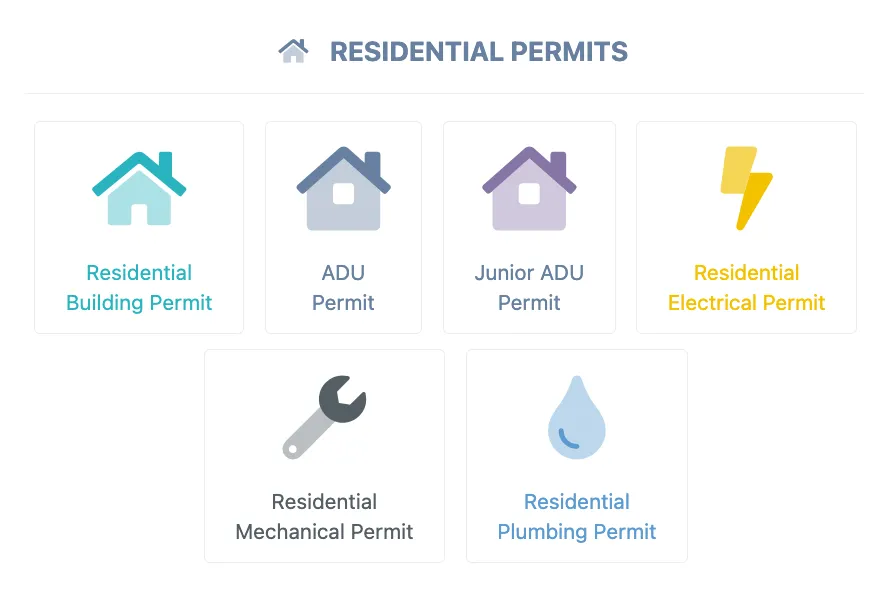
  • Residential permit categories in the customer portal
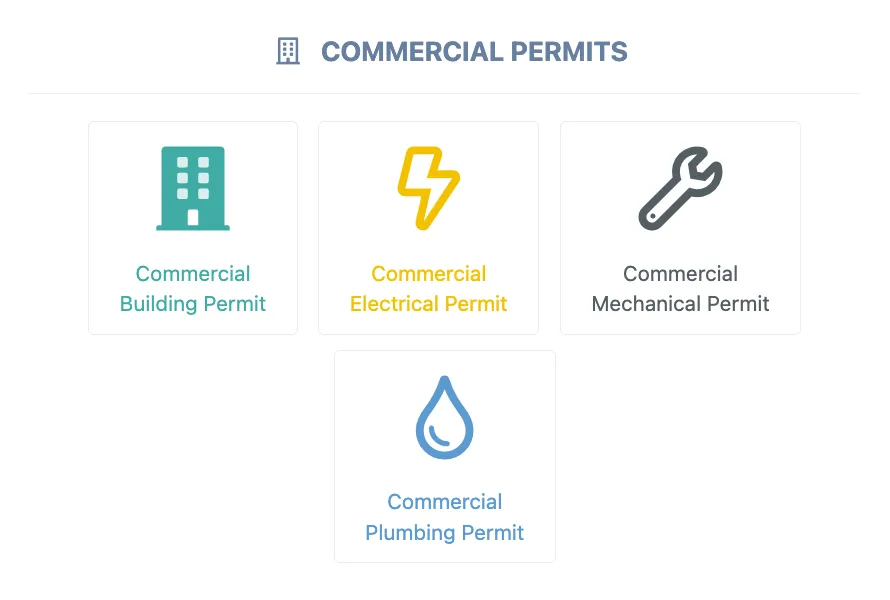
  • Commercial permit categories in the customer portal

Step-by-step guides to submit plans and documents

We make it easy for customers
to understand what they need to do for every step of the process—no guesswork.

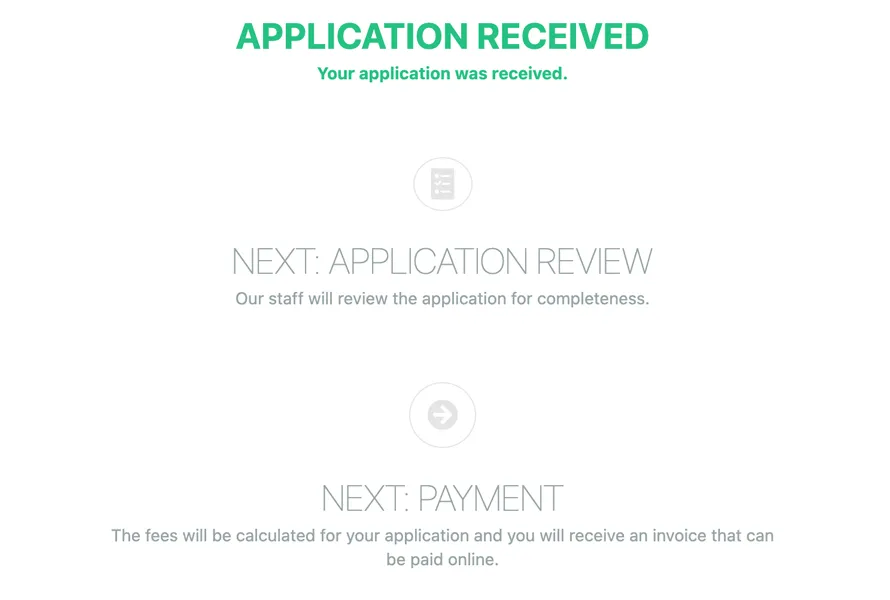
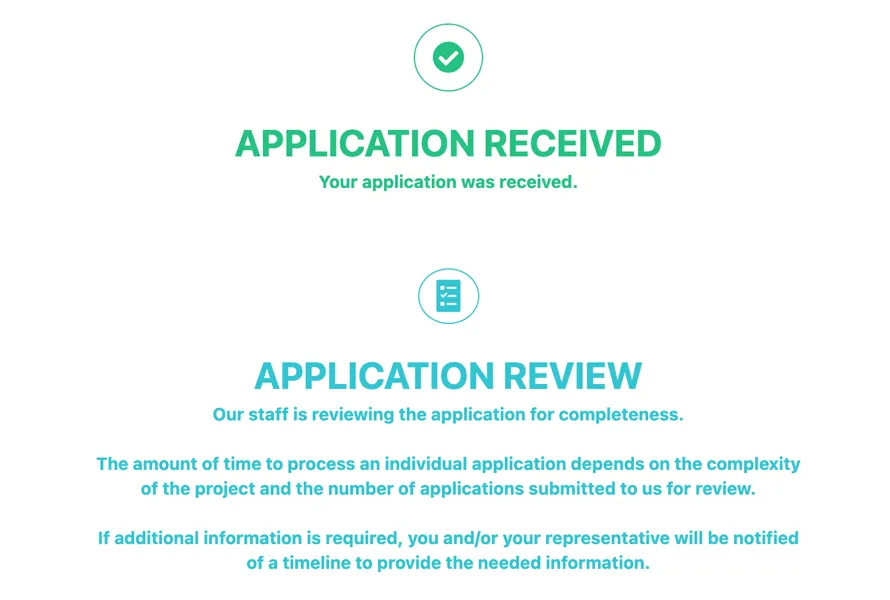
  • Application received, with application review and payment as the next steps
  • Application received and under review by staff
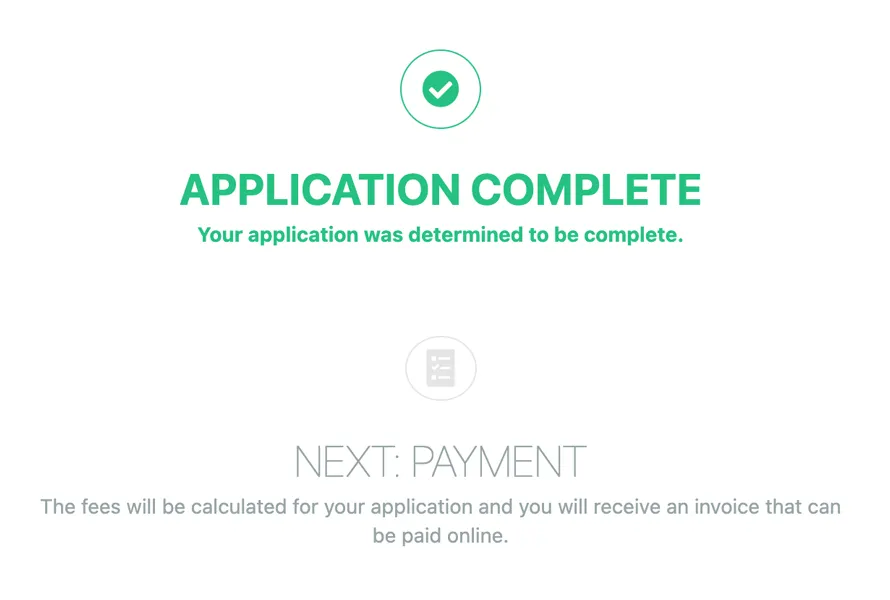
  • Application complete, with payment as the next step
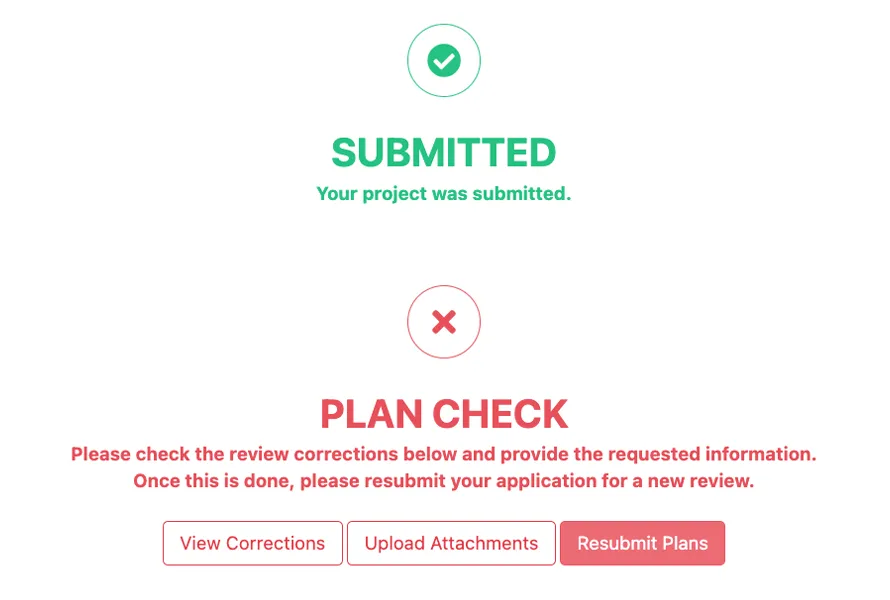
  • Project submitted, with plan check corrections requested

Software benefits:

For Permit Technicians

  • Permit-specific application to keep it simple
  • Autofill addresses and contacts for effortless data entry
  • Direct access to state websites for easy license verification
  • Auto plan routing for zero transition time
  • Auto fee calculations to improve accuracy
  • Cloning to eliminate repetition
  • Auto-invoicing and easy refund system
  • Powerful search to find what you need
  • One-click access to history
  • Orderly document filing
  • Genealogy to keep related projects together
  • Powerful task dashboard with calendar
  • Auto email notification to update customers

For Inspection Staff

  • Access to the system from the site for real-time access to project data
  • Built-in correction list for easy data entry
  • Voice-activated inspection result entry for hands-free data entry
  • GIS to see site-specific vital information
  • Mapping inspection addresses for efficient route selection
  • Integrated with special inspection service providers
  • Integrated with HERS providers
  • One-click access to important details and notes
  • Auto inspection-time entry
  • Calendar-based task management
  • Integrated with Bluebeam
  • Genealogy to keep related projects together
  • Auto email notification to update customers

For the Plan Check Team

  • Easy to use, with quick entry of review results
  • Powerful task dashboard with calendar to be informed, not surprised
  • Integration with GIS to get site-specific information: zone, applicable hazards and special conditions
  • Built-in correction list
  • One-click access to history
  • Calendar-based task management
  • Integrated with Bluebeam
  • Genealogy to keep related projects together
  • Powerful task dashboard with calendar
  • Auto email notification to update customers

For Managers and Supervisors

  • Powerful project dashboards and management tools
  • Informative analytics to lead with confidence
  • Powerful automated workflow
  • Easy to modify workflows, fees and application forms
  • Bulk project assignment to save time
  • Integrated with financial software for a holistic view of finances
  • Informative indicators for individual/group/unit workload
  • Performance reports by project type, staff and organization
  • Auto-assignment of tasks based on project type, specialties, zone, etc.
  • A myriad of reports on financials, performance, workload and more
  • Holistic view of project history and timeline
  • Data visualization tools and exports

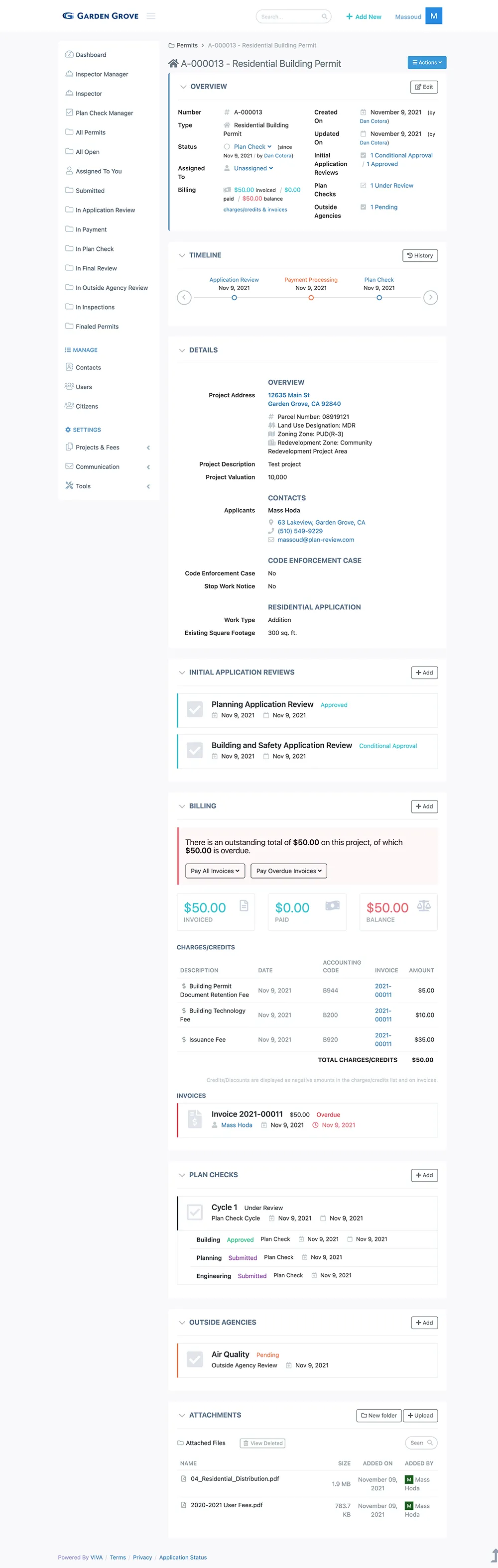
Sample Screenshot

Overview of a residential building permit in Viva Civic

Please use this form to get in touch with us for more information
on our software, processes, implementation and more.